No Frills Focus
A digital minimalism environment for writers.
Constraint as a tool.
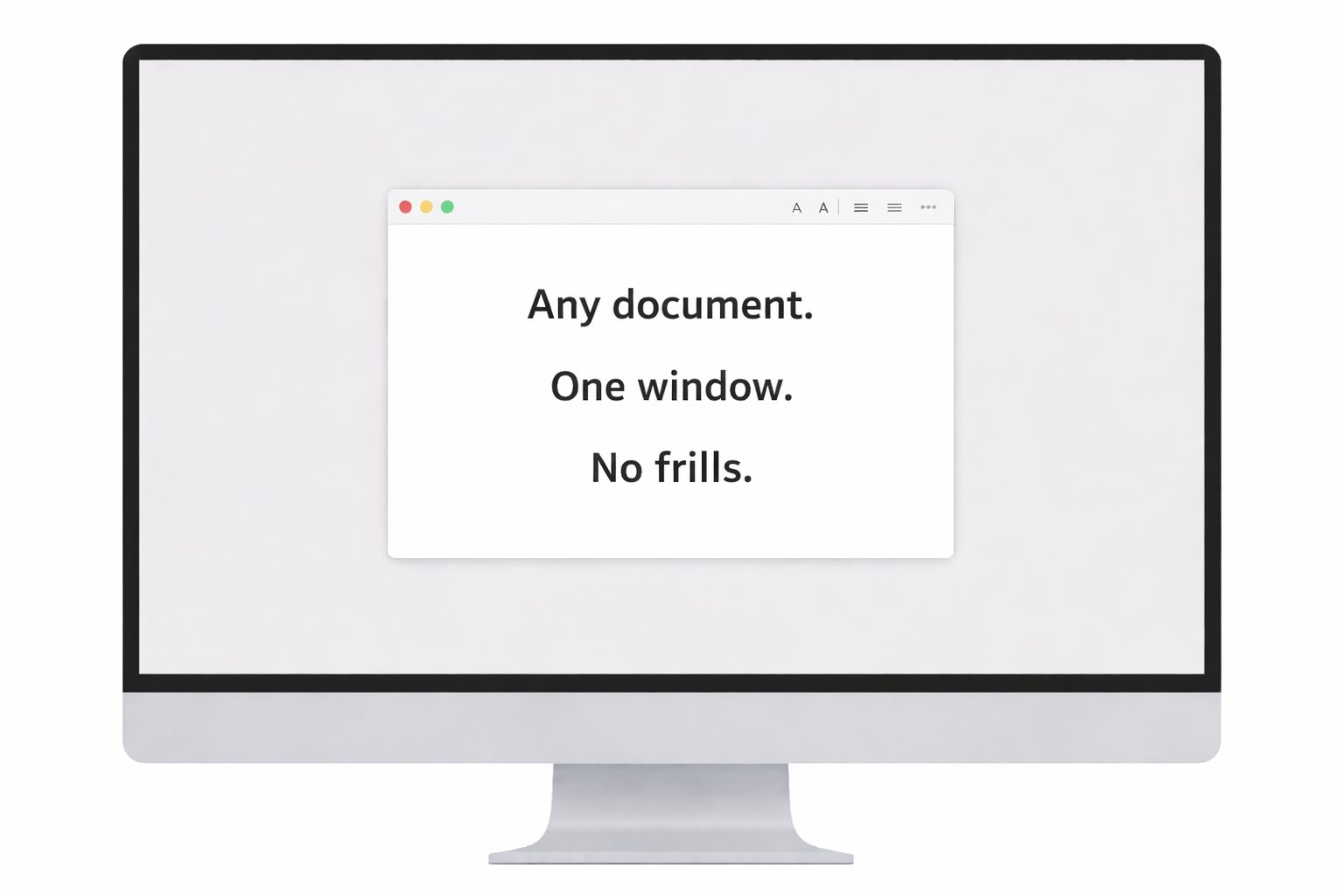
No Frills Focus hides everything on your screen except your work.
Frictionless.
- Open whatever writing, manuscript, or screenwriting app you already use.
- Choose a session.
- Your work appears inside a single, fixed macOS window. Everything else is masked out of view behind a neutral backdrop.
- Stick to the apps you already know and trust.
- No third party software to learn.
- No file juggling or porting.
- No b.s.
The environment you never knew you needed.
When visual drift points disappear, your eyes stop scanning for exits, and your mind stops negotiating.
Time loosens its grip.
Attention steadies.
Longer writing sessions become effortless and more sustainable.
Work simply → stay present.
No Frills Focus isn’t about productivity hacks or enforcement. It simply makes the choice you’ve already made to write more deliberate.
No visible timer, no countdown anxiety, no score‑keeping — just the simplicity and calm of visual constraint keeping you focused.
Your time, your terms.
Exit your session at any time. Nothing is locked. Your screen returns to normal after each block.
- Cmd + Shift + X — Exit session
- Cmd + Shift + Z — Exit app
Your data is yours.
The app works entirely offline. Nothing on your desktop is moved, changed, or rearranged. No accounts. No subscriptions. Purchase once. Future updates included.
Get started.
Desktop experience recommended. Not intended for mobile use.
© 2026 No Frills Focus